

How to Order
Have your payment Card ready
For information about using your Work and Income payment card, including setting a PIN, please visit workandincome.govt.nz/paymentcard
- Have your payment card ready
- Find your local Big Save here
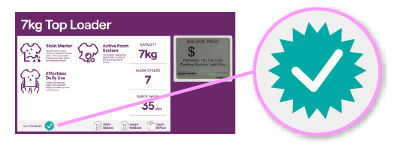
- When you visit, look for the green tick on appliance product cards. This shows that the product is available at the MSD price when bought with a payment card
- Inform our friendly team that you’ll be paying with a Work and Income payment card. We’ll provide you with your special pricing and product information
- Place your order and select your delivery day with our team
- Tell us how we went and fill in a short survey
- Call 0800 BIG SAVE (0800 224 7283)
- Press 7
- Inform our team you are unable to access our store and would like to organise a video call